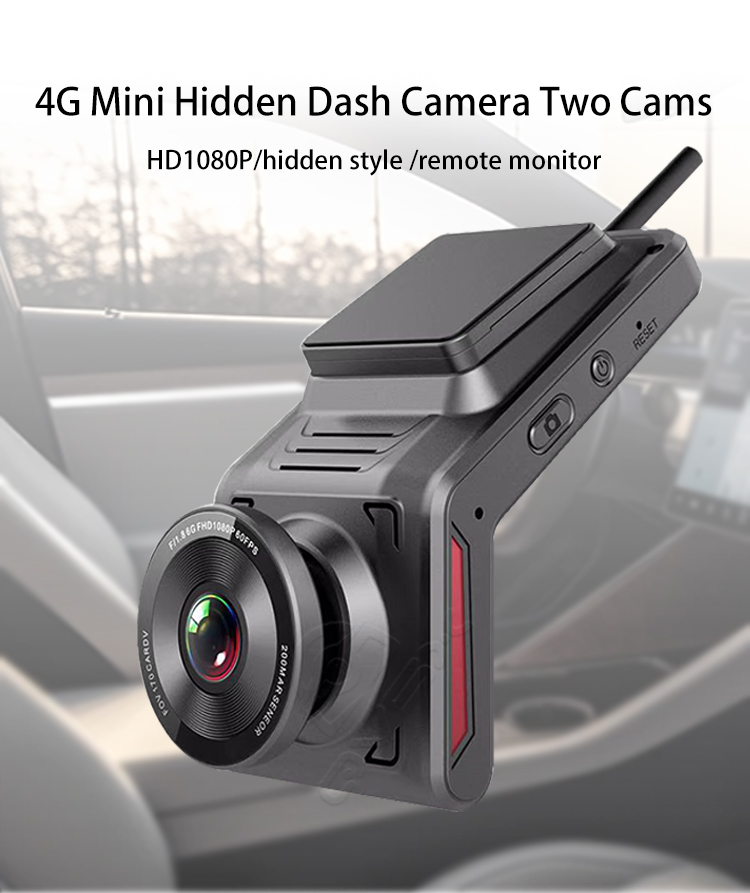
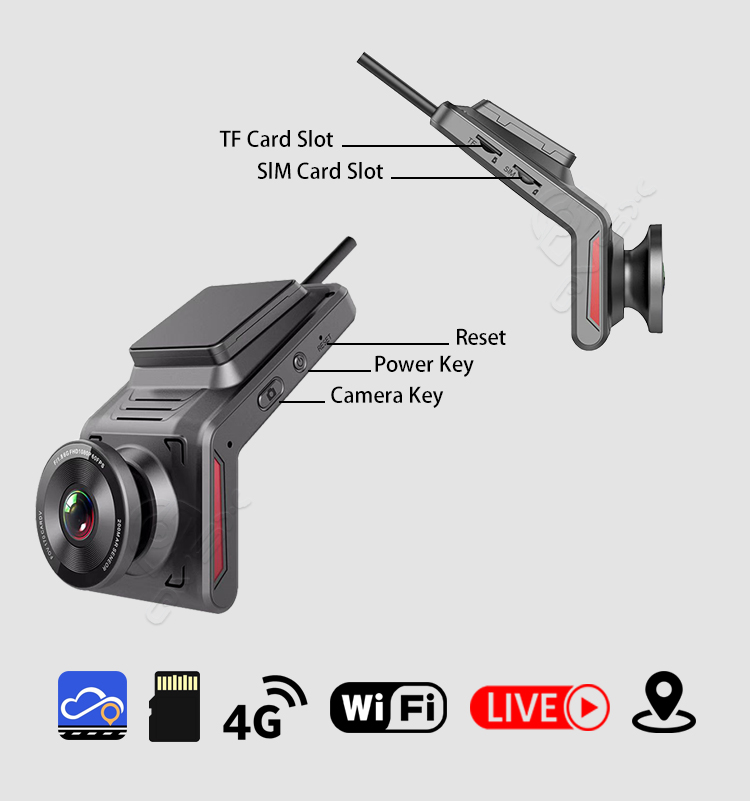
Button Definitions:
A. Power Button
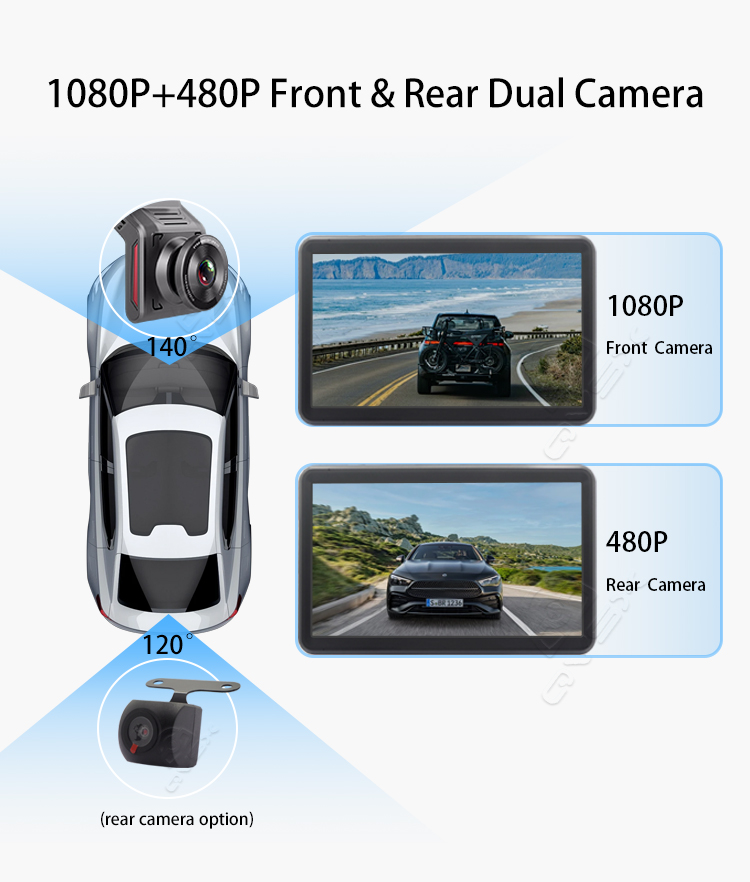
Short press once: Displays the rear camera.B. Camera Button
Short press once: Captures a short video.
Instructions for Voice Control Commands:
Speak the following voice commands to the device, and it will perform operations accordingly:
Turn on the screen, Turn off the screen, Turn on the electronic dog (activate road conditions), Turn off the electronic dog (deactivate road conditions), Start recording, Stop recording, Start front recording (activate front camera), Start rear recording (activate rear camera), Capture a photo (photo capture), Capture a video (video capture)